iPhone · Apple Watch · Apple Health
Your apps are grounded until you go outside.
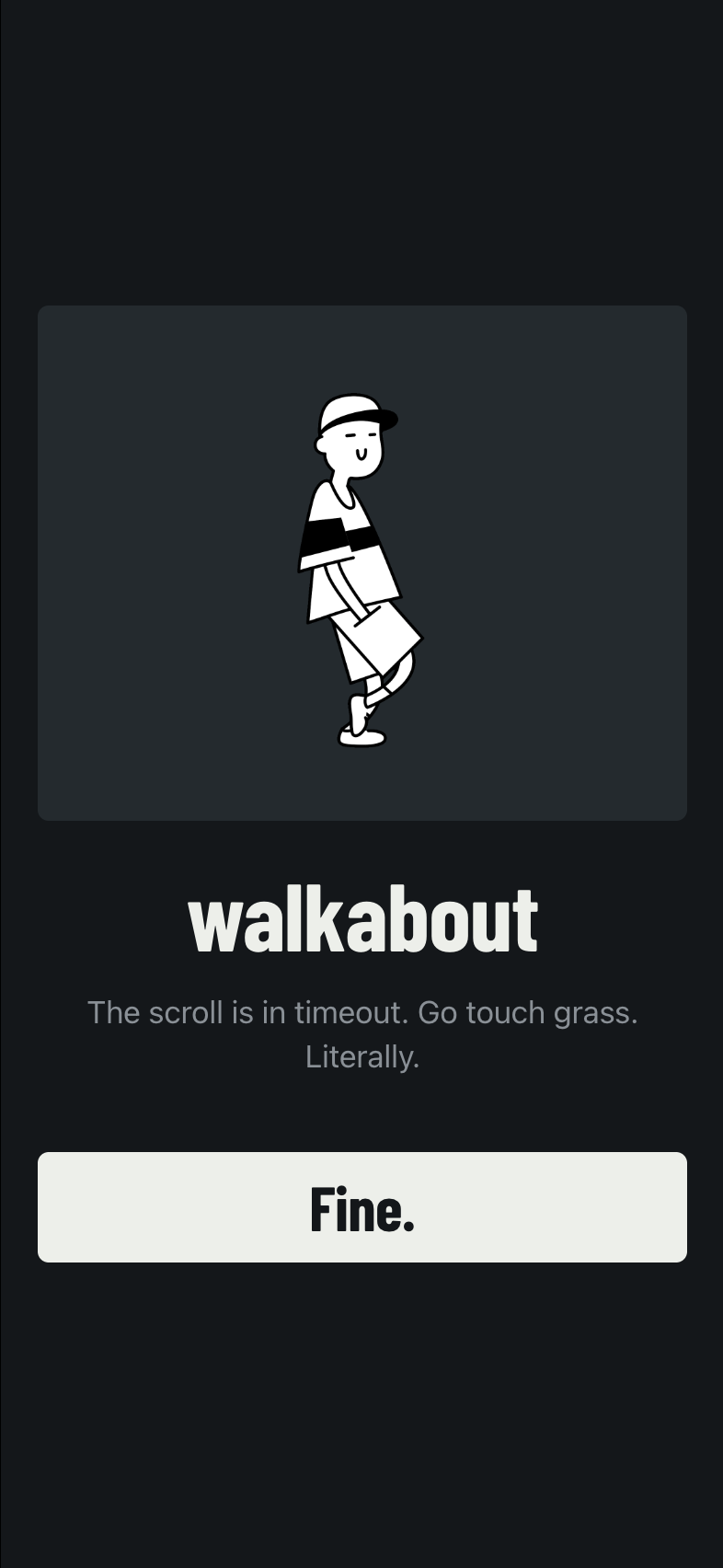
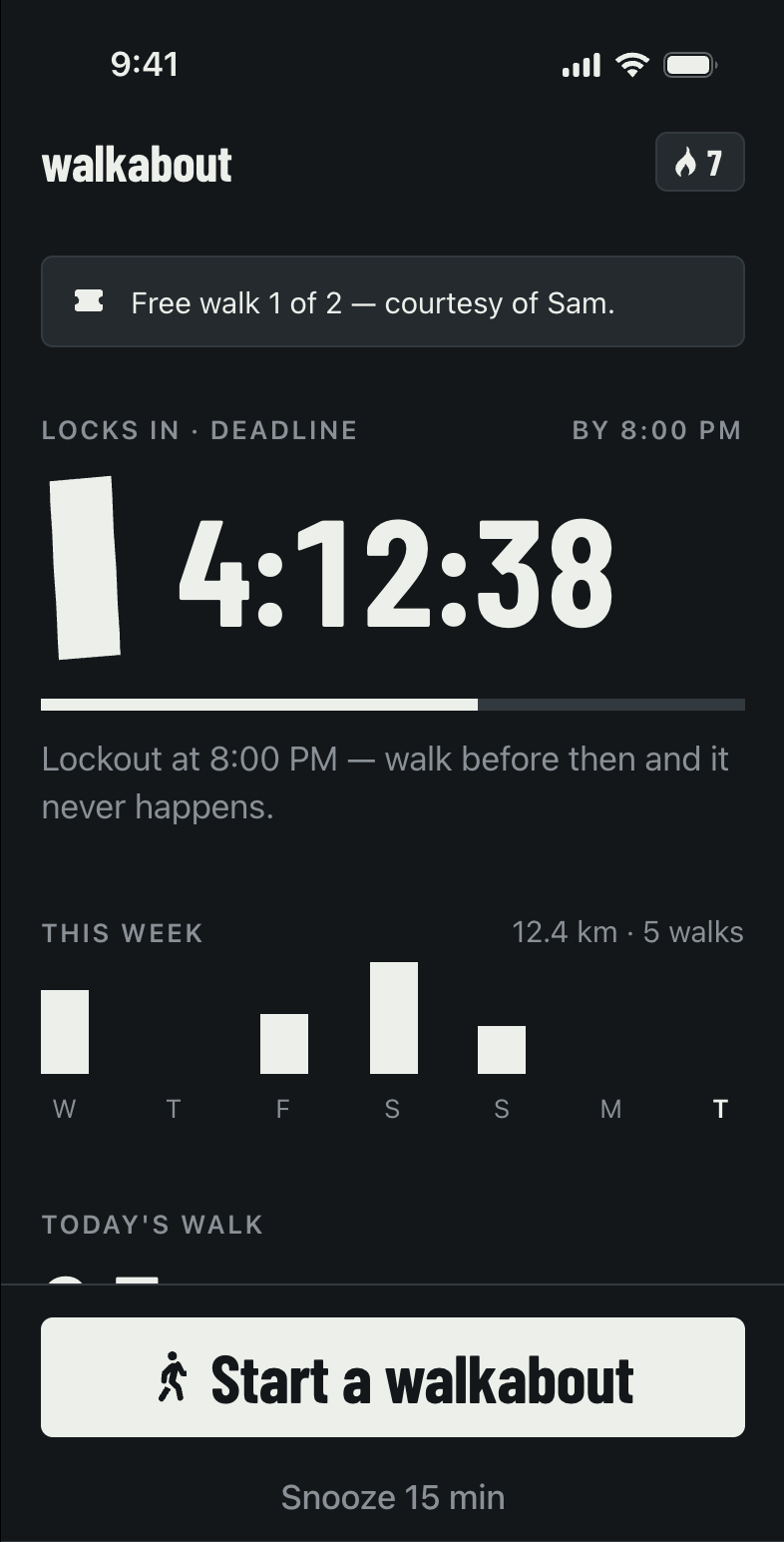
Walkabout locks the apps that eat your evenings — social, games, video, your pick — until you finish a real walk. Not steps you happened to take. A walk you start, do, and finish.
Try it free for 7 days on the yearly plan. Cancel anytime — every lock comes off the moment you do.
How it works
Three steps. No willpower required.
You set the rule once, while you still care about it. Later, when you don't, the rule is already there.
Pick your time sinks
Choose the apps — or whole categories — that eat your evenings. Social, games, video. Your call, made once.
Go for a real walk
Start a walkabout. Walkabout checks it against Apple Health as you go. Shaking your phone on the couch will not work.
Your apps come back
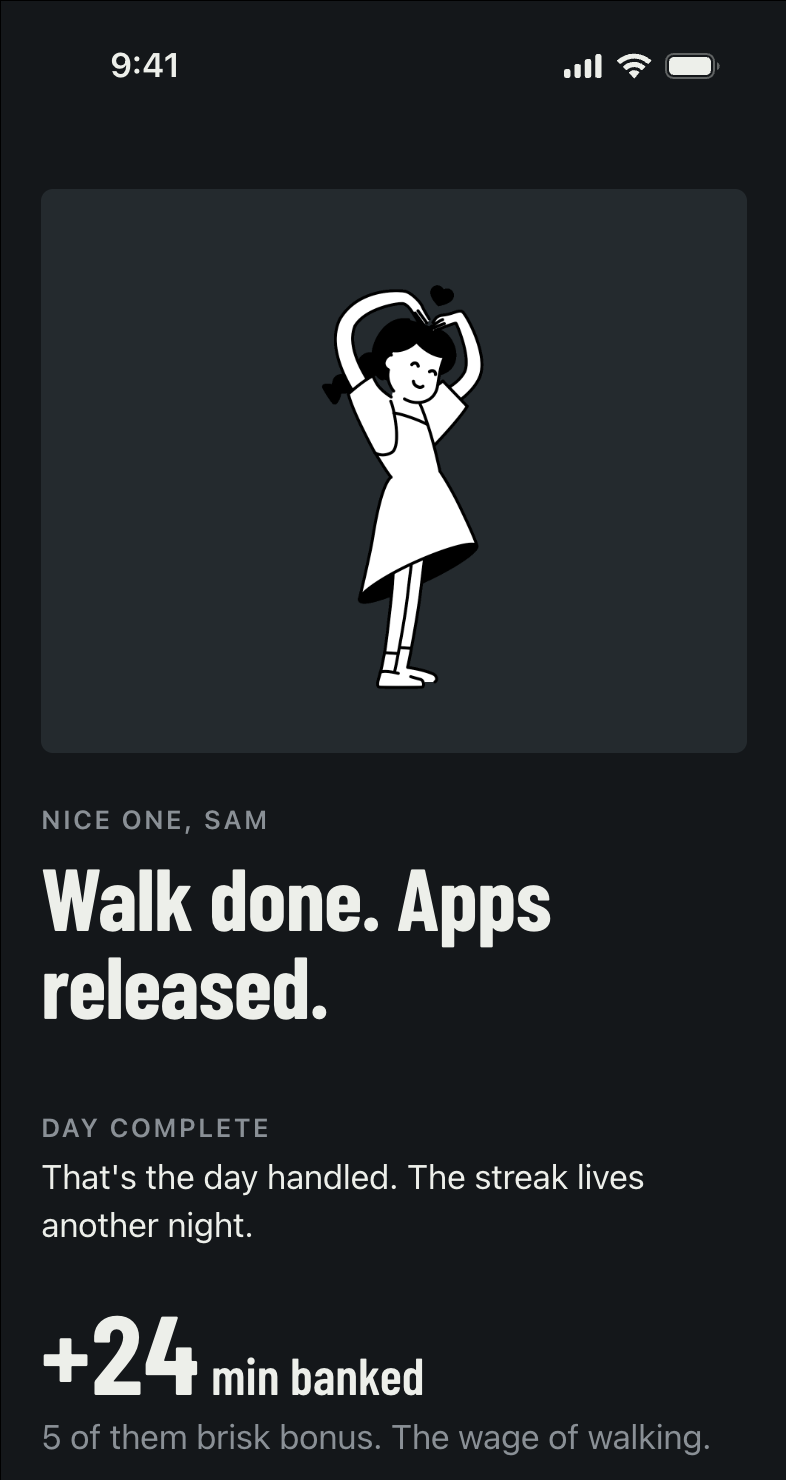
Finish the walk and the lock lifts. Walk longer, get longer. That is the entire deal.
Two flavors of strict
Pick the deal you can live with.
Earn Your Scroll
Walk a minute, earn a minute of app time. Keep it brisk and every minute counts extra. Spend it now, save it for later, or top it up with another lap.
Day Pass
One real walk unlocks your whole day. No walk, no doom machine. Simple, and slightly terrifying.
Strict, not monstrous
It is still your phone.
Walkabout is a rule you set for yourself, and you can always get out of it. Here is exactly how.
- Phone, Messages, Maps and Music are never locked. You can always call someone, answer a text, or find your way home.
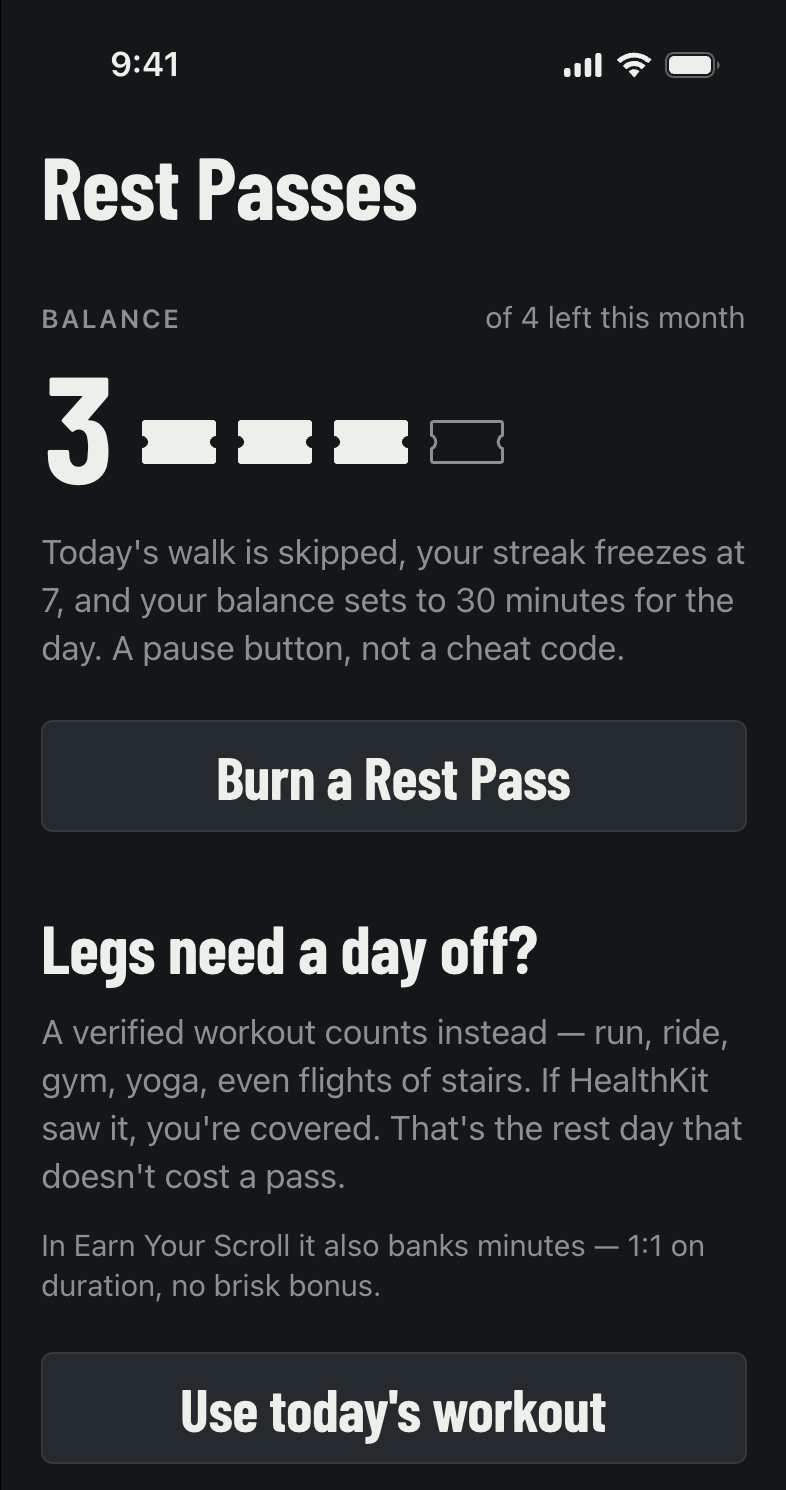
- Rest Passes for real days off. A gym session, run, ride or yoga class counts instead of a walk.
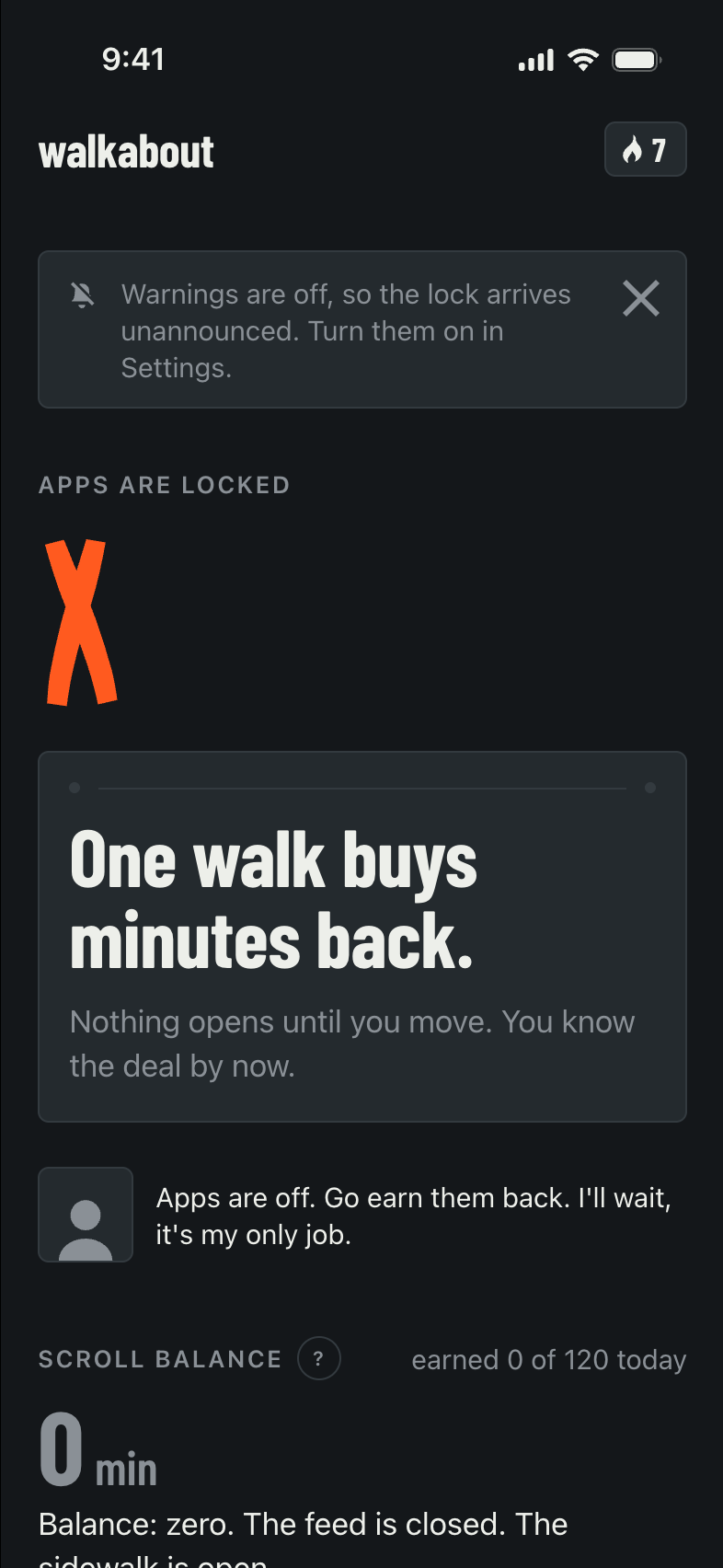
- Rest days you choose, plus one short snooze a day — and a warning before the lock lands, so it is never a surprise.
- You can switch it off in iOS Settings at any time. Walkabout only holds the permission you gave it, and you can take it back.
- Cancel and every lock comes off immediately. No hostage-taking, no last word.
The receipts
The walk earns more than screen time.
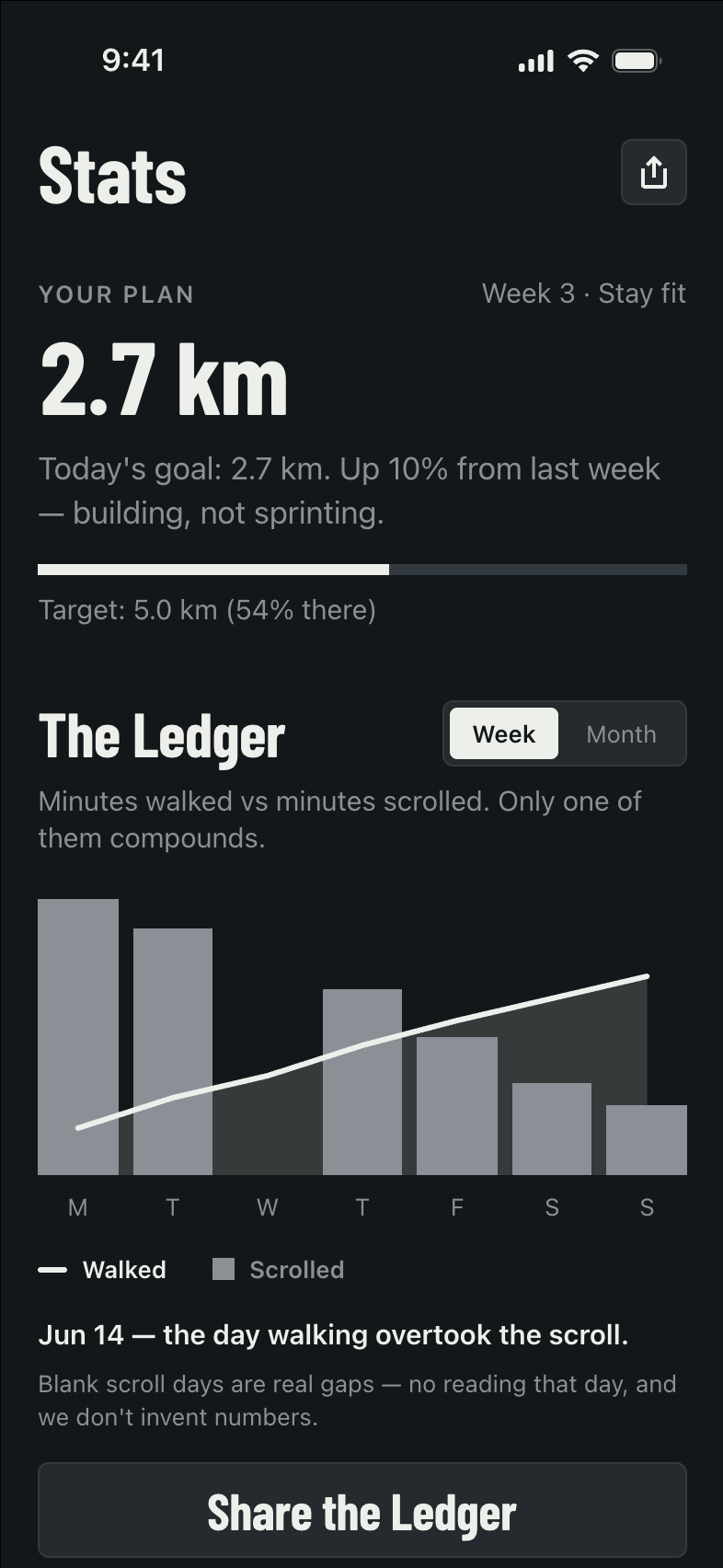
- The Ledger. Minutes walked against minutes scrolled. Only one of them compounds.
- A Walk Score out of 100. Built from consistency, distance, pace and duration — not from one heroic Sunday.
- Streaks with real stakes and badges you have to actually earn.
- The landmark ladder. Your lifetime distance, measured in things people have heard of: the Golden Gate Bridge, a half marathon, the edge of space.
Private by design
We do not want your data.
Walkabout works almost entirely on your phone, because that is the only honest way to build a thing that watches your walking.
Health stays home
We read steps, distance and workouts to check a walk really happened. That data never leaves your phone. The only thing we write back is the walk you just finished.
We cannot see your apps
Which apps you lock, and how you use them, stay in the app's private storage on your device. iOS never shows us, and we never ask.
No ads, no selling
No ad SDKs, no cross-app tracking, no data brokers. The account is optional — the lock and walk loop works without one.
Pricing
Walkabout Pro
One subscription, everything included: both lock modes, Rest Passes, streaks and the full stats picture.
Yearly
$39.99 /year
Auto-renews every year. Works out to about $0.77 a week.
Weekly
$3.99 /week
Auto-renews every week. No trial on this plan.
Subscription terms. Walkabout Pro is an auto-renewing subscription, offered weekly ($3.99 USD) or yearly ($39.99 USD with a 7-day free trial). Prices are in US dollars and vary by region; your local price is shown in the App Store before you buy.
Payment is charged to your Apple Account at confirmation of purchase. The subscription renews automatically unless you turn off auto-renew at least 24 hours before the current period ends. Your account is charged for renewal within 24 hours before the end of the current period. Any unused part of a free trial is forfeited when you buy a subscription.
Manage your subscription or turn off auto-renew any time in your Apple Account settings, on the device: Settings → your name → Subscriptions. If your subscription lapses, every app lock is removed immediately.
By subscribing you agree to our Terms of Use and Privacy Policy, and to Apple's Licensed Application End User License Agreement.
Questions
The things everyone asks first.
What if I really need an app right now?
You have several ways out, and none of them need our permission: take your once-a-day snooze, spend a Rest Pass, or turn off Walkabout's Screen Time permission in iOS Settings. Phone, Messages, Maps and Music are never locked in the first place. The point is friction, not a trap.
How do you know I really walked?
Walkabout checks your walk against Apple Health and your iPhone's motion sensors while it is happening — distance, steps and pace, not just a step count at the end. Indoor walking counts. Shaking your phone does not.
Do I need an account?
No. The whole lock-and-walk loop works with no account at all — the lock, the walks, the streak and the stats are all yours without signing in. An account only does two things: it lets you redeem a free-walk invite from a friend, and it backs your finished walks up to our servers. You can sign in with Apple if you do want one.
What happens if I cancel?
Every lock is removed immediately, on the spot. Walkabout does not hold your apps hostage over a lapsed payment.
What do you do with my health data?
We read it on your device to verify walks, and it stays there. The only thing Walkabout ever writes back to Apple Health is the walk you just finished, saved as a walking workout. Nothing from Apple Health is sent to our servers. The full details are in the privacy policy.
What do I need to run it?
An iPhone on iOS 17 or later. There is an Apple Watch app too, so you can start and finish a walk from your wrist.
Is this the same as Screen Time limits?
It uses the same Apple system underneath, but the rule is different. Screen Time gives you a limit you can tap past. Walkabout gives you a price: a real walk. And it will not take an excuse from you — only from your friends.
How do I get help?
Email us at temi.elodimuor@gmail.com and a human will answer. The support page covers the common ones, including how to cancel or delete your account.
The couch never stood a chance.
Set the rule tonight. Thank yourself for the next six months.

7-day free trial on the yearly plan. Cancel anytime.